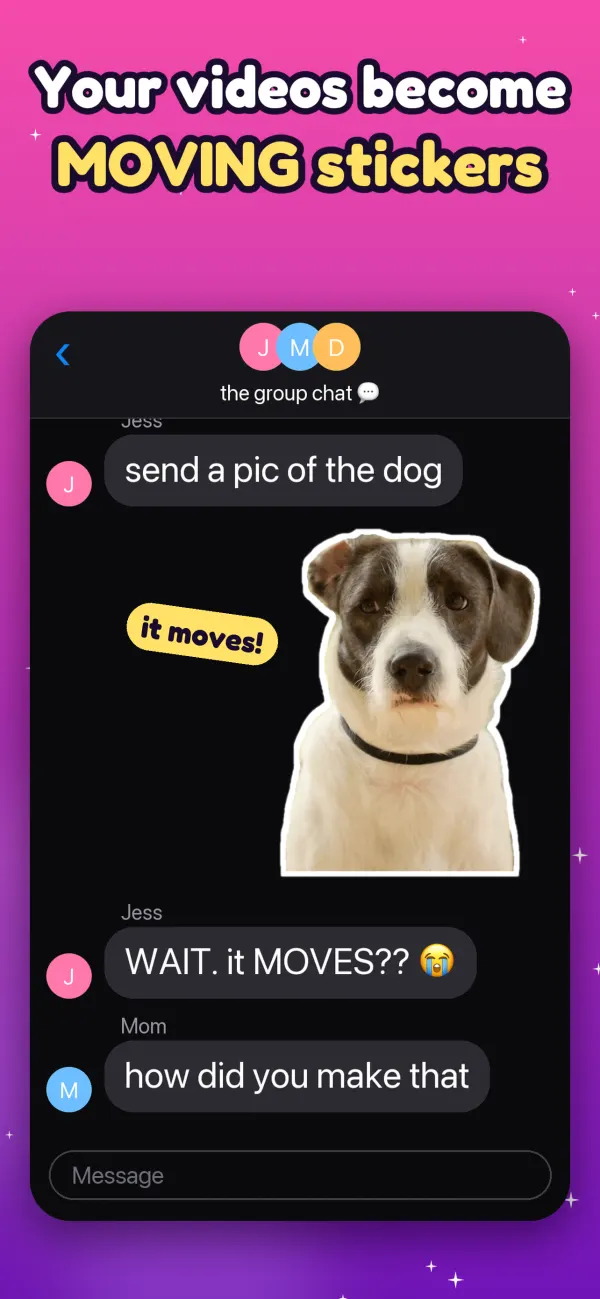
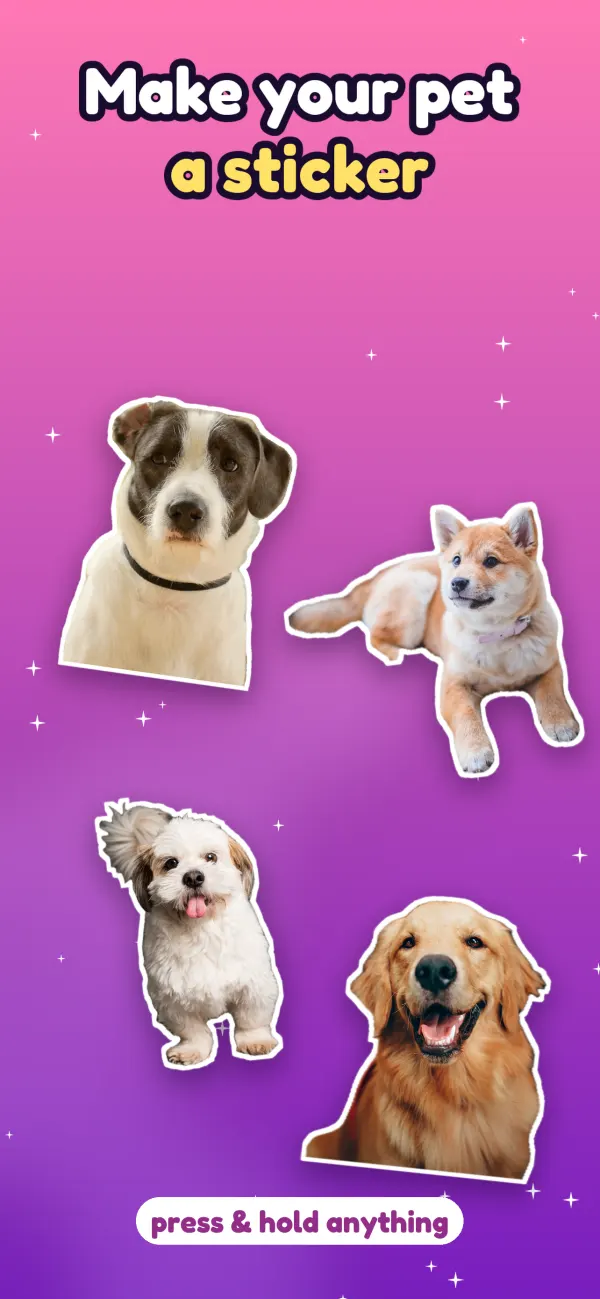
Snippie is an animated sticker maker for iPhone. Pause a video, press and hold your dog, your friend or anything in it, and tap Make Sticker: the background disappears and they keep moving. Send moving stickers in iMessage, add them to WhatsApp as animated stickers, or save them as APNG and GIF.
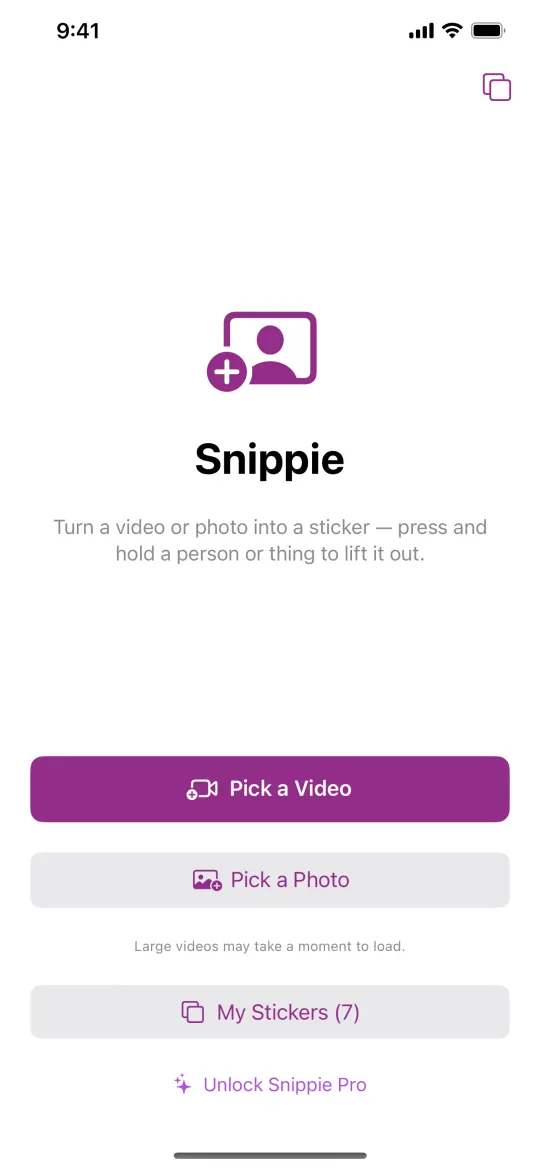
Choose a video, a Live Photo or a still photo from your library. Snippie works with clips you already have.
2
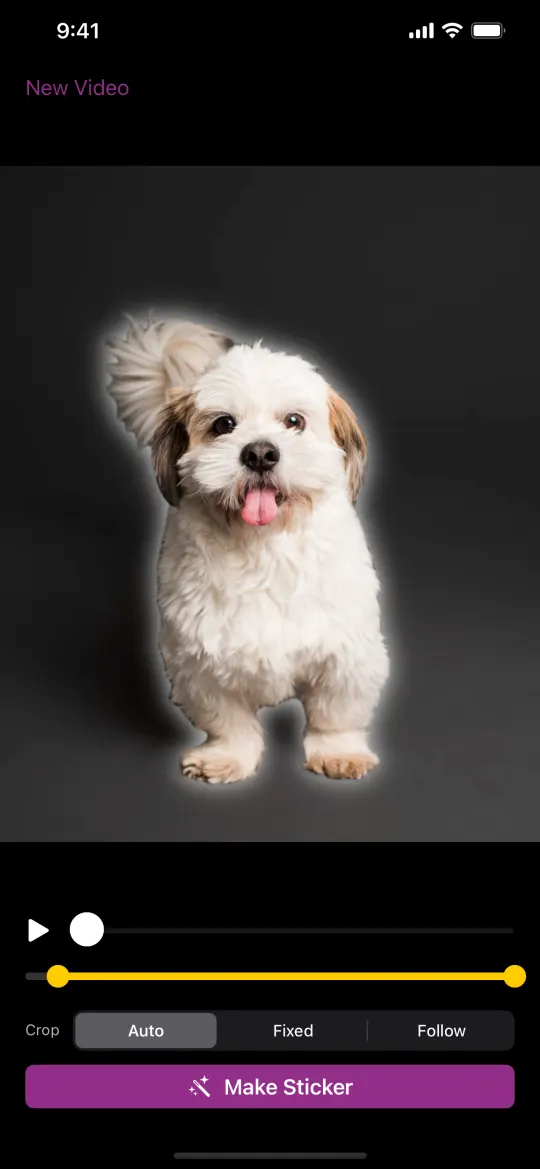
Pause, press and hold
Scrub to a good frame and press and hold the person, pet or object you want. It lifts out with a glow. Then tap Make Sticker.
3
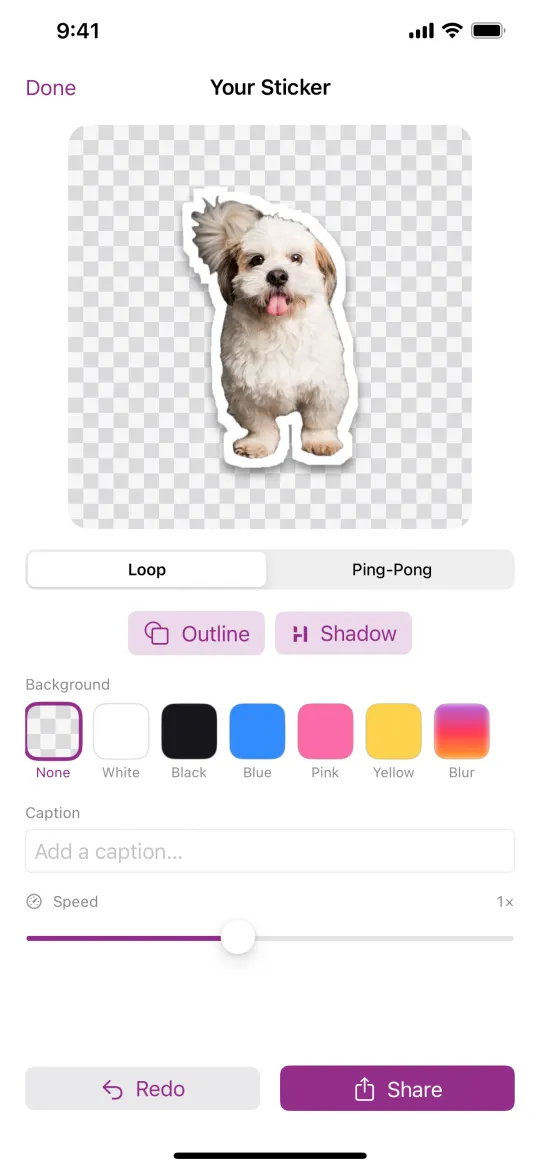
Get a moving sticker
Snippie follows your subject through every frame, cleans up the edges and finds a smooth loop. The background is gone; the motion stays.
What Snippie does
Turns a video, Live Photo or photo into a sticker of the subject you choose
Removes the background on every frame, so the sticker keeps moving
Finds a seamless loop, or plays it ping-pong or in reverse
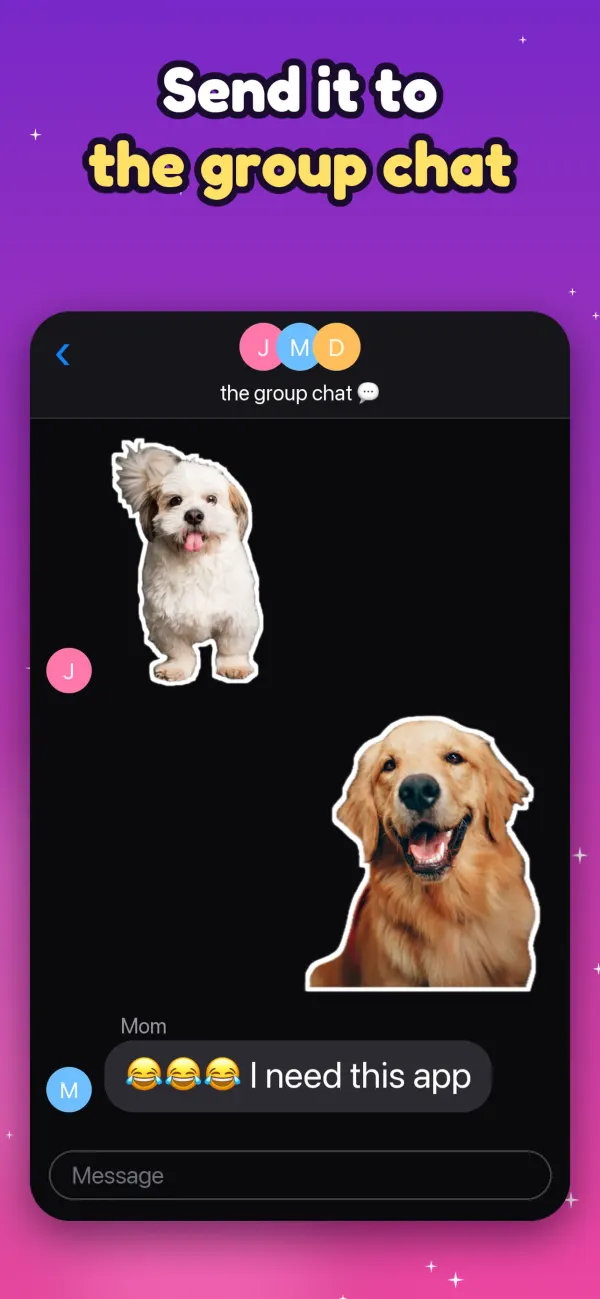
Sends stickers in iMessage, from the Messages app drawer
Adds your stickers to WhatsApp as your own sticker pack (3 to 30 stickers)
Exports animated APNG and GIF files, and saves to Photos
Runs entirely on your device, with no account
What it doesn’t do
Pick the subject for you: you press and hold what you want
Make stickers from a text prompt (it isn’t an AI image generator)
Upload your videos: nothing leaves your phone
Charge a subscription: Pro is a one-time purchase
Run on Android, Mac or the web
Share anywhere
Moving stickers for iMessage and WhatsApp
iMessage
In any conversation, tap + and choose Snippie: your stickers are right there to tap and send, and they move in the chat. The first tile, New Sticker, jumps straight back into Snippie to make another. Or copy a sticker and paste it into any chat.
WhatsApp animated stickers
Make a few stickers, then in My Stickers tap Select, pick 3 to 30 and add them to WhatsApp as your own sticker pack. They show up in WhatsApp’s sticker tray next to the packs you already use.
Make it yours
Style it like a real sticker
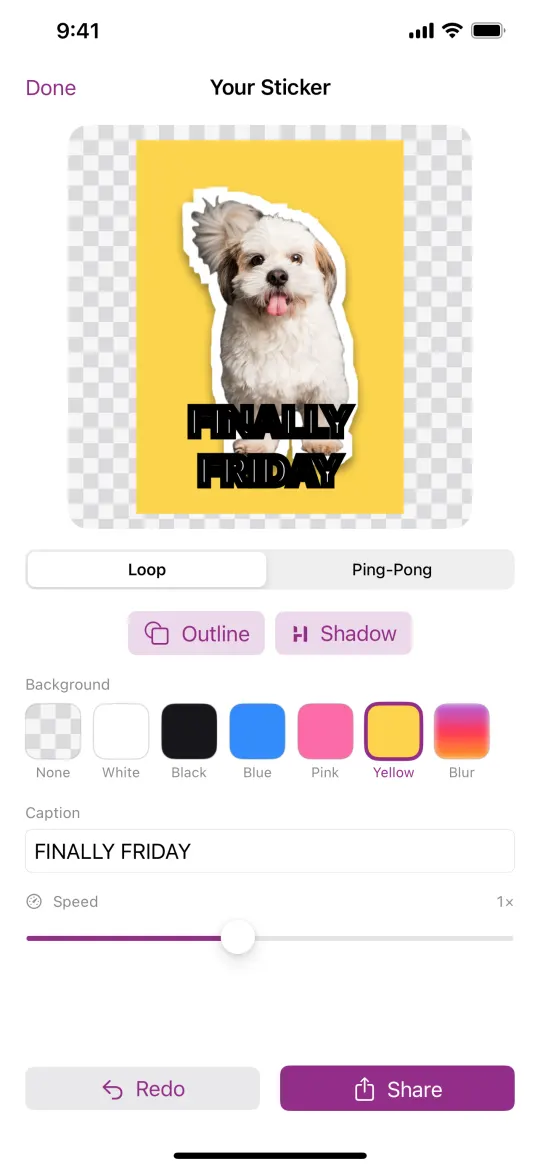
Outline and shadow
The white die-cut edge and drop shadow that make it look like a real sticker.
Captions
Meme-style text at the top or bottom, in four fonts and four colours.
Loop, ping-pong or reverse
Pick how the motion plays back.
Fix Cutout
Paint with your finger to erase stray bits or restore parts the cutout missed, on every frame or just one.
Backgrounds
Transparent or white, plus colours and a blurred-subject backdrop with Pro.
Speed
Slow-mo or sped up, with Pro.
Snippie Pro
Put it in your iPhone’s own sticker drawer
With Pro, tap Save as Live Sticker and Snippie saves your sticker to Photos as a Live Photo. Then it’s three taps in Apple’s Photos app:
Open Photos. Your sticker is the newest Live Photo.
Touch and hold the subject until it lifts, then tap Add Sticker.
It’s now in your stickers: in Messages under + → Stickers, and in the emoji keyboard.
Apps can’t add to the system sticker drawer themselves, so this last step happens in Photos.
Free and Pro
What you get, plainly
Snippie is free to download and its core features work without paying. Pro is a single in-app purchase, yours to keep, with no subscription. Restore it on a new phone with the same Apple ID.
Free
Make moving stickers from videos, Live Photos and photos
Outline, shadow, captions, loop modes and Fix Cutout
Transparent and white backgrounds
Send in iMessage, add packs to WhatsApp, export APNG and GIF
Stickers carry a “Made with Snippie” watermark.
Pro · one-time purchase
Everything in Free
No “Made with Snippie” watermark
All backgrounds: colours and the blurred-subject backdrop
Speed control: slow-mo or speed up
Save as Live Sticker, for your iPhone’s own sticker drawer
No subscription. Pay once, keep it.
FAQ
Questions people ask
What does Snippie do?
Snippie is a video to sticker maker for iPhone. Pause a video on a good frame, press and hold a person, pet or object, and tap Make Sticker. Snippie cuts that subject out of every frame and loops it, so you get an animated sticker with a transparent background that you can send in iMessage, add to WhatsApp or save as an APNG or GIF.
Is Snippie free?
Snippie is free to download, and making, styling and sending stickers works without paying. Stickers made with the free version carry a “Made with Snippie” watermark. Snippie Pro is a one-time in-app purchase, not a subscription: it removes the watermark and unlocks all backgrounds, speed control and Save as Live Sticker.
Can I use Snippie stickers in WhatsApp?
Yes. In My Stickers, tap Select, choose 3 to 30 stickers and add them to WhatsApp as your own animated sticker pack. WhatsApp needs to be installed on the same phone.
How do I send a moving sticker in iMessage?
Open a conversation in Messages, tap +, then choose Snippie to see your stickers. The first tile, New Sticker, opens Snippie to make another. You can also copy a sticker in Snippie and paste it into any chat.
Does Snippie use AI to make the sticker?
You choose the subject by pressing and holding it. Snippie then uses Apple’s Vision framework on your device to separate it from the background and follow it through the clip. It doesn’t generate images from text, and your videos are never uploaded.
Which devices does Snippie work on?
iPhone and iPad with iOS 17 or later. There is no Android, Mac or web version.
Make your first moving sticker
Free to download for iPhone and iPad. Pro is optional, one-time and never a subscription.
Questions, feedback or trouble with a purchase? Email snippie@awlabs.dev or visit Snippie support. Bought Pro and it’s locked on a new phone? Open the Pro screen and tap Restore Purchase, signed in with the same Apple ID.